

Intelligent Command
ProcureCommand
Purchase orders, transfers, vendors, and stock on one purchasing screen.
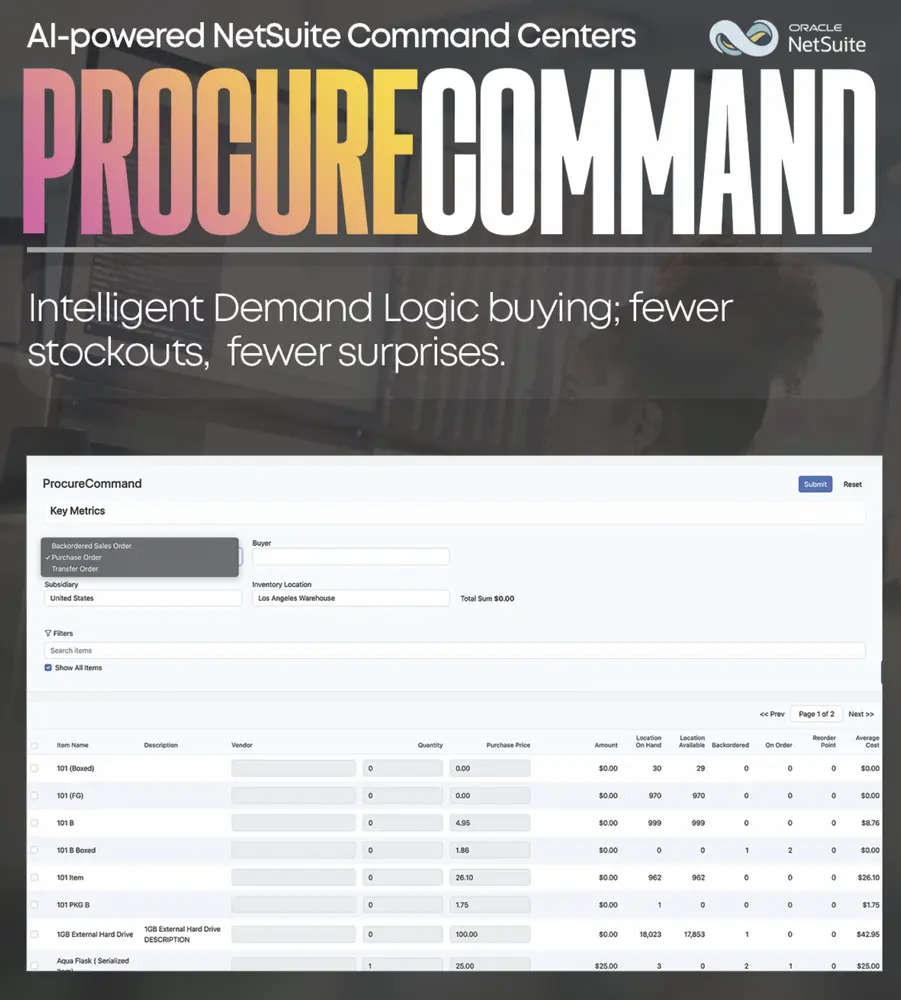
ProcureCommand is the purchasing surface inside Intelligent Command. It puts purchase orders and transfer orders in one interface, with vendor selection and stock views that used to require tab-hopping. Local or multi-location, buyers work replenishment from that same screen.
- Purchase and transfer orders in one view
- Vendor selection from the same screen
- Stock by location at a glance
- Sits inside existing NetSuite purchasing
Unified purchasing interface
Purchase orders and transfer orders share one operational view, so buyers are not bouncing between transaction types to see inbound supply.
Customizable overview
Stock, vendor, and order fields the buying team uses to take the next action.
Vendor selection in context
Pick vendors and move inventory across locations from the same place the order is being worked.
Less manual intervention
Fewer native-page hops means fewer missed transfers and fewer buyers living in saved searches.
Intelligent Command
The rest of the suite
Intelligent Command
An operations surface that puts cash, procurement, manufacturing, and fulfillment on one screen.
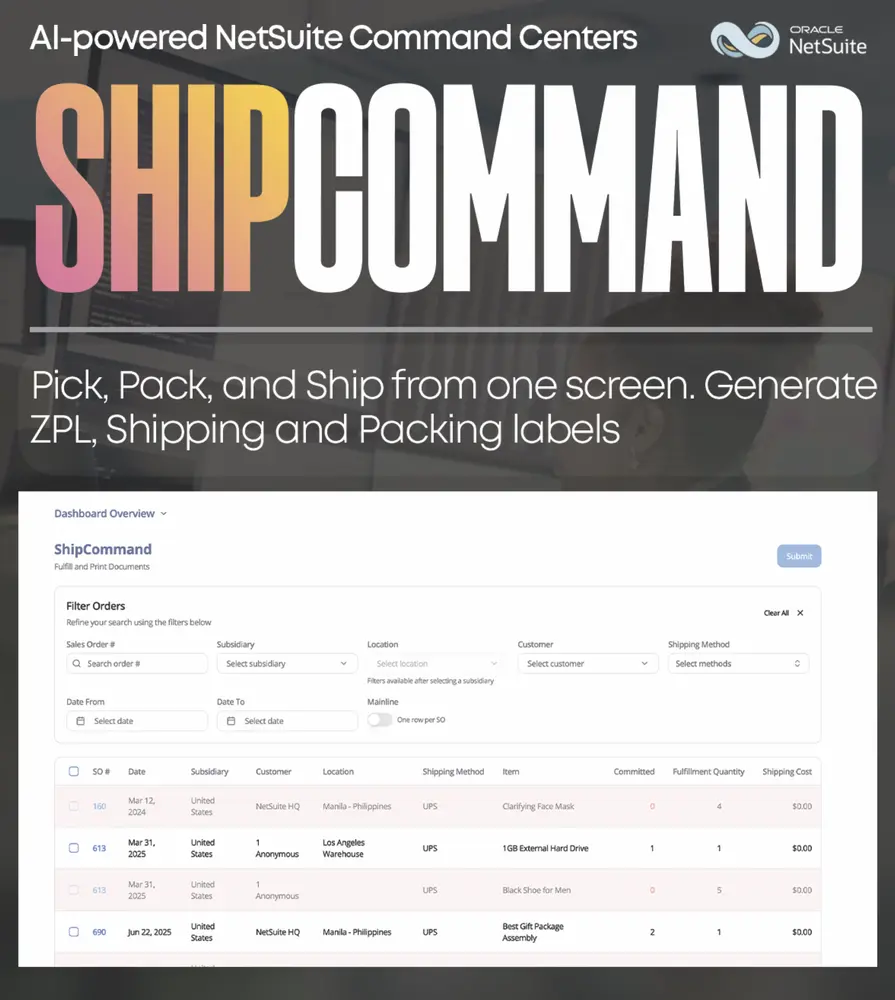
ShipCommand
Orders, boxes, and ship-from locations on one operational screen.
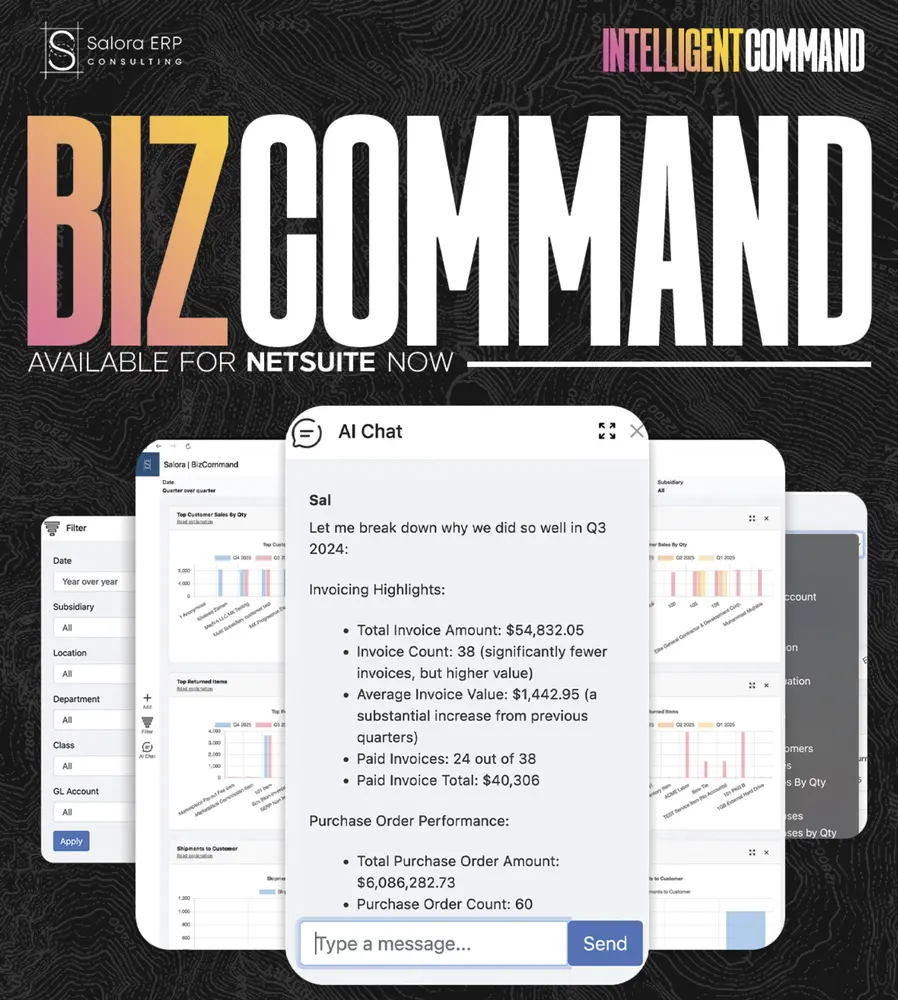
BizCommand
A NetSuite-native command center for revenue, margin, cash, backlog, AR/AP aging, and inventory health.
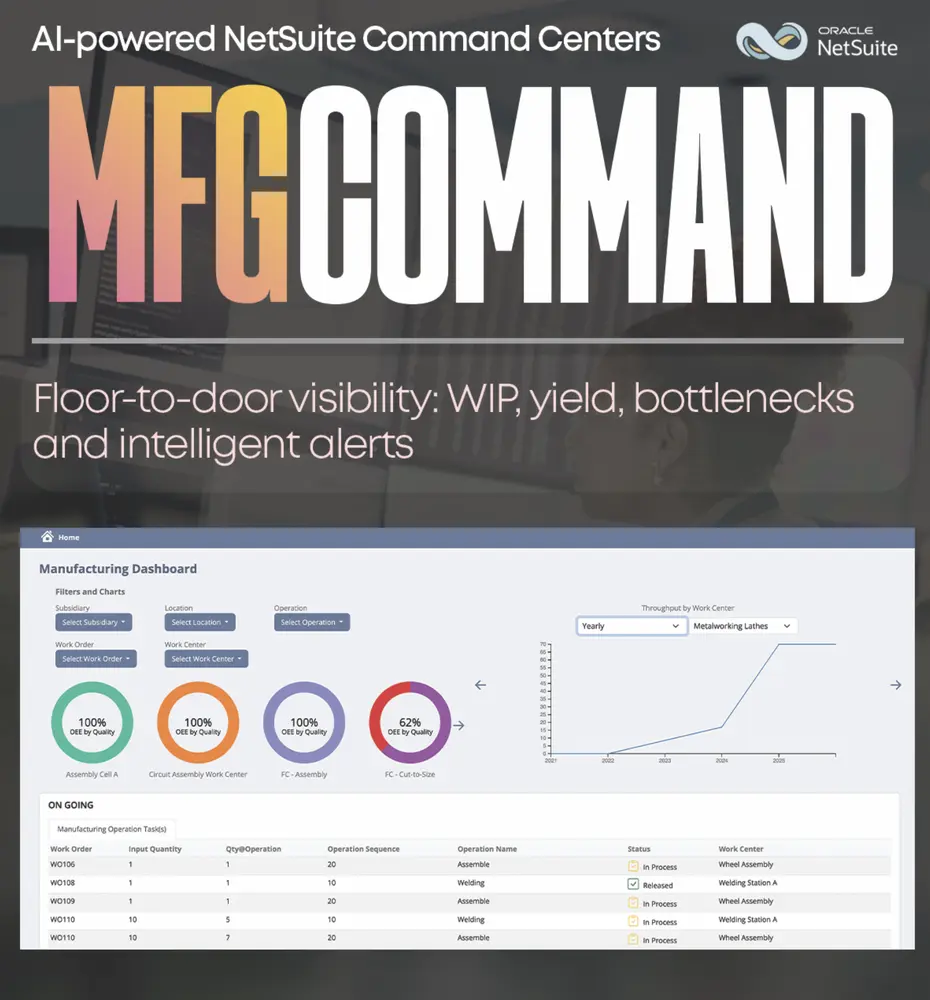
MFGCommand
Run the floor from one screen: builds, labor, and inventory movement.
See ProcureCommand in your NetSuite.
Implementation, managed support, accounting, or a native app. Tell us where to start.