

Intelligent Command
ShipCommand
Orders, boxes, and ship-from locations on one operational screen.
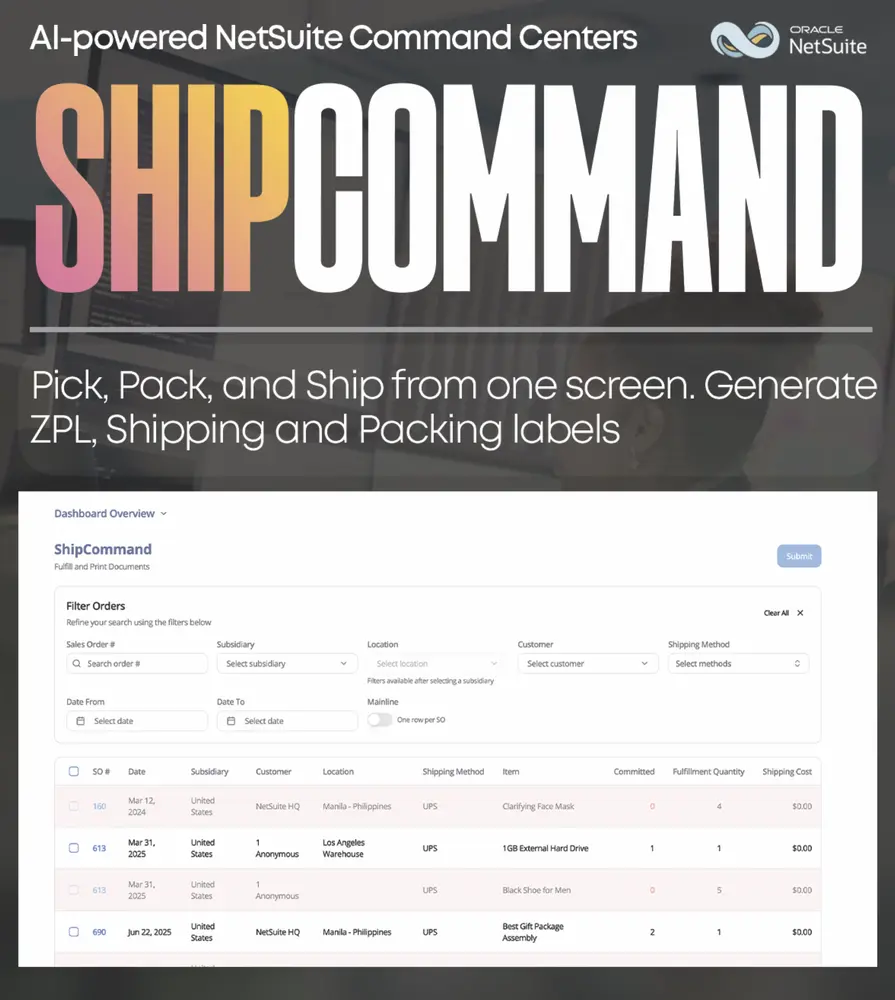
ShipCommand is the fulfillment surface inside Intelligent Command. Native NetSuite spreads picking, packing, and shipping across too many pages for a warehouse that needs to finish before lunch. ShipCommand keeps movement readable: what still needs to ship, where it ships from, and what is already in motion.
- Fulfillment finished on one screen
- Orders and ship-from locations together
- Fewer native fulfillment tabs
- Built for warehouse and ops
Fulfillment in one place
Open fulfillments, packing slips, and location records in one place.
Ship-from clarity
Location and inventory context sit next to the order so the floor is not guessing which warehouse owns the box.
Exception visibility
Spot orders that stalled in pick or pack before they become a customer email and a finance problem.
Same Command family
ShipCommand sits beside ProcureCommand and MFGCommand so inbound, plant, and outbound are not three different truths.
Intelligent Command
The rest of the suite
Intelligent Command
An operations surface that puts cash, procurement, manufacturing, and fulfillment on one screen.
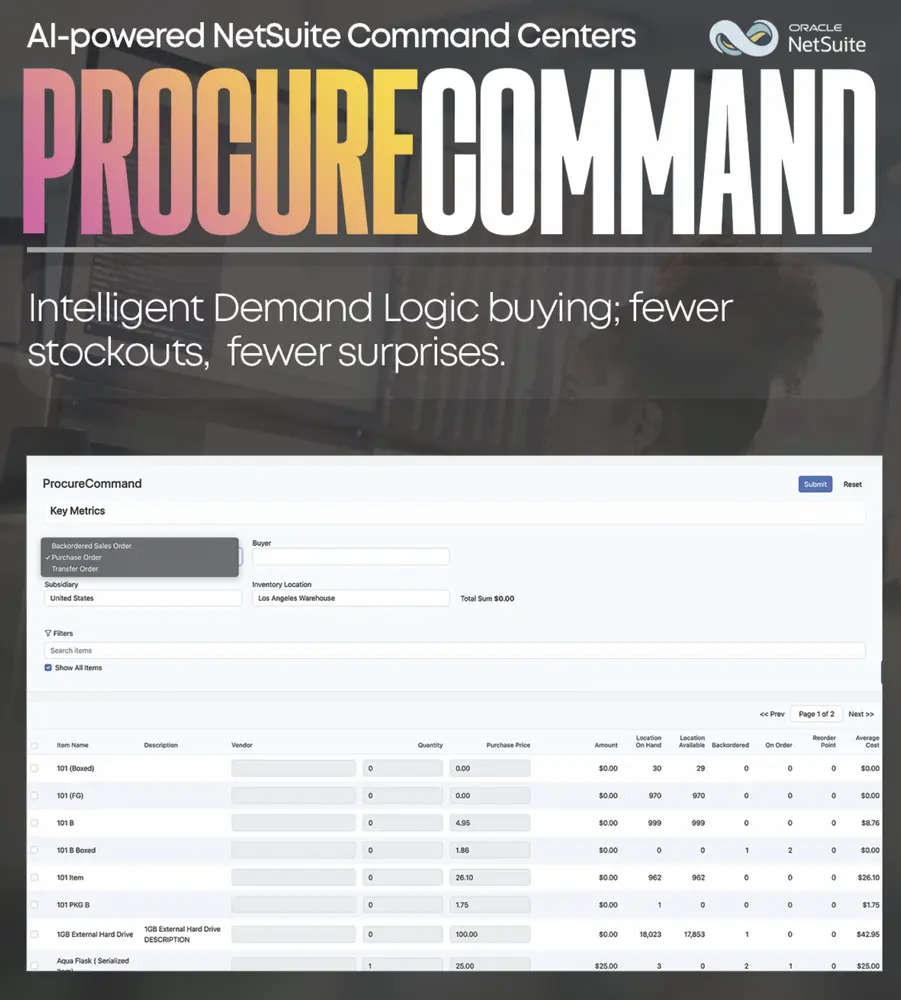
ProcureCommand
Purchase orders, transfers, vendors, and stock on one purchasing screen.
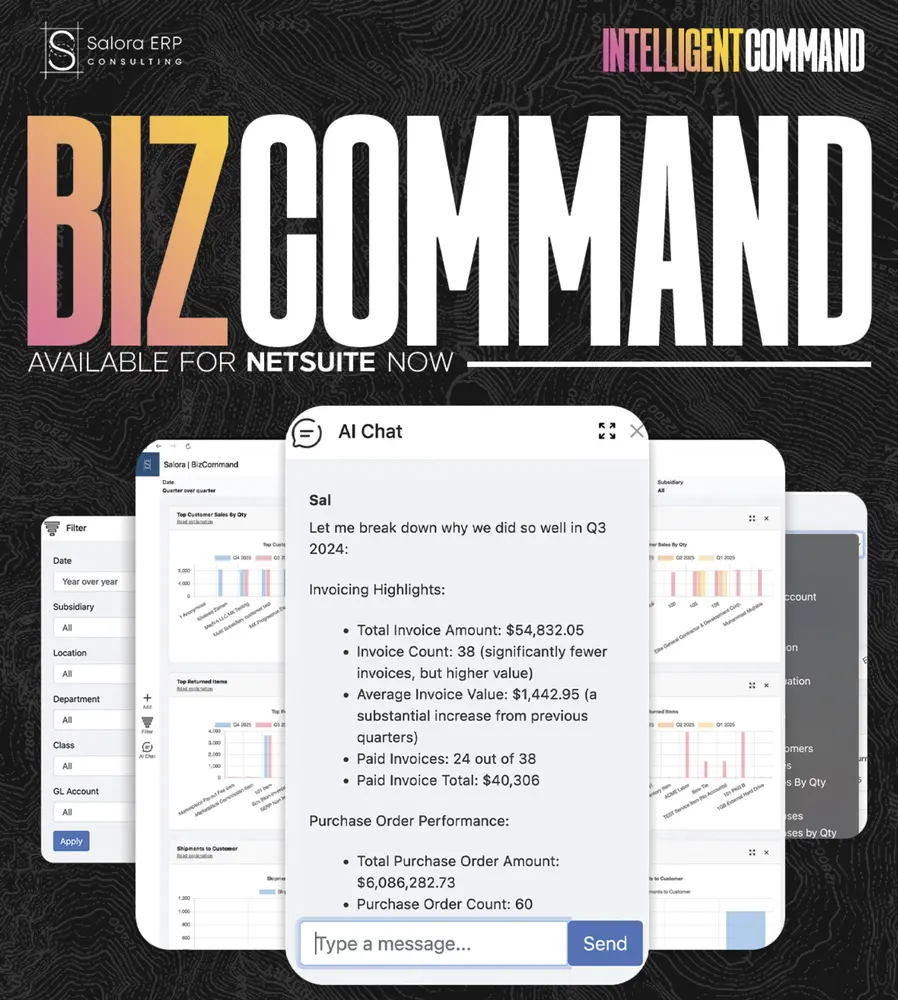
BizCommand
A NetSuite-native command center for revenue, margin, cash, backlog, AR/AP aging, and inventory health.
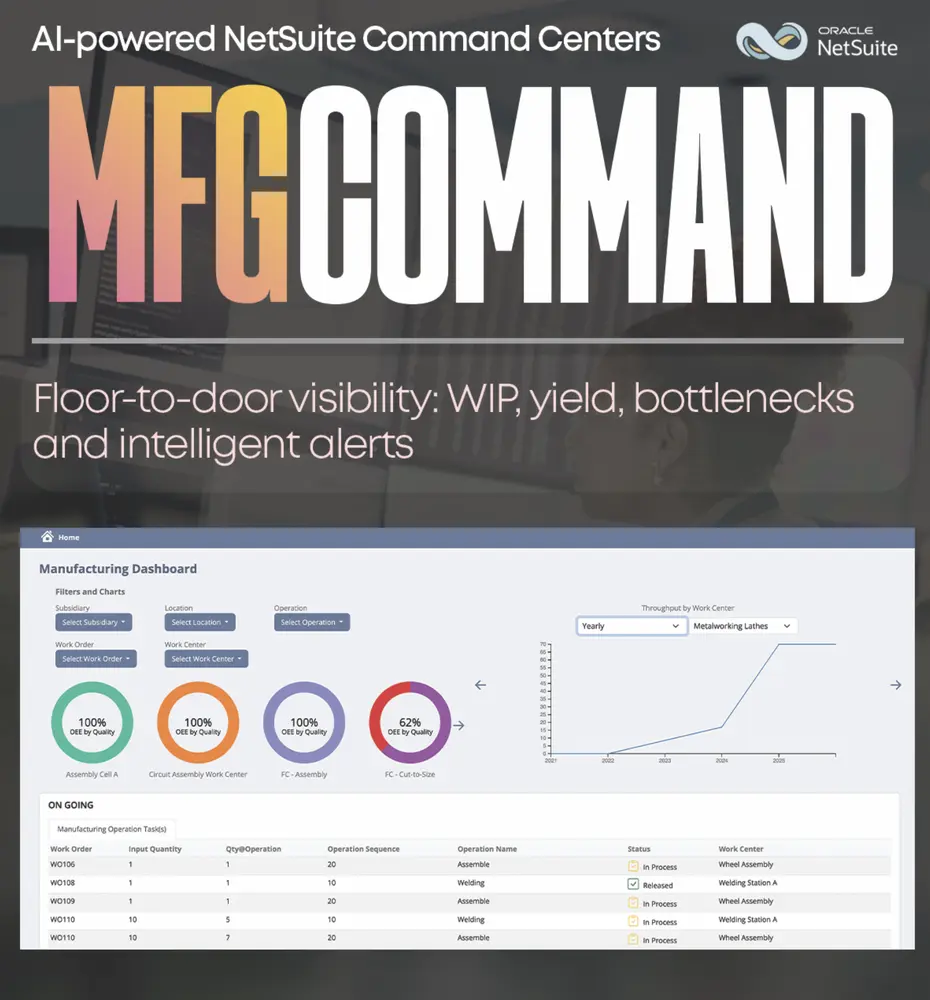
MFGCommand
Run the floor from one screen: builds, labor, and inventory movement.
See ShipCommand in your NetSuite.
Implementation, managed support, accounting, or a native app. Tell us where to start.